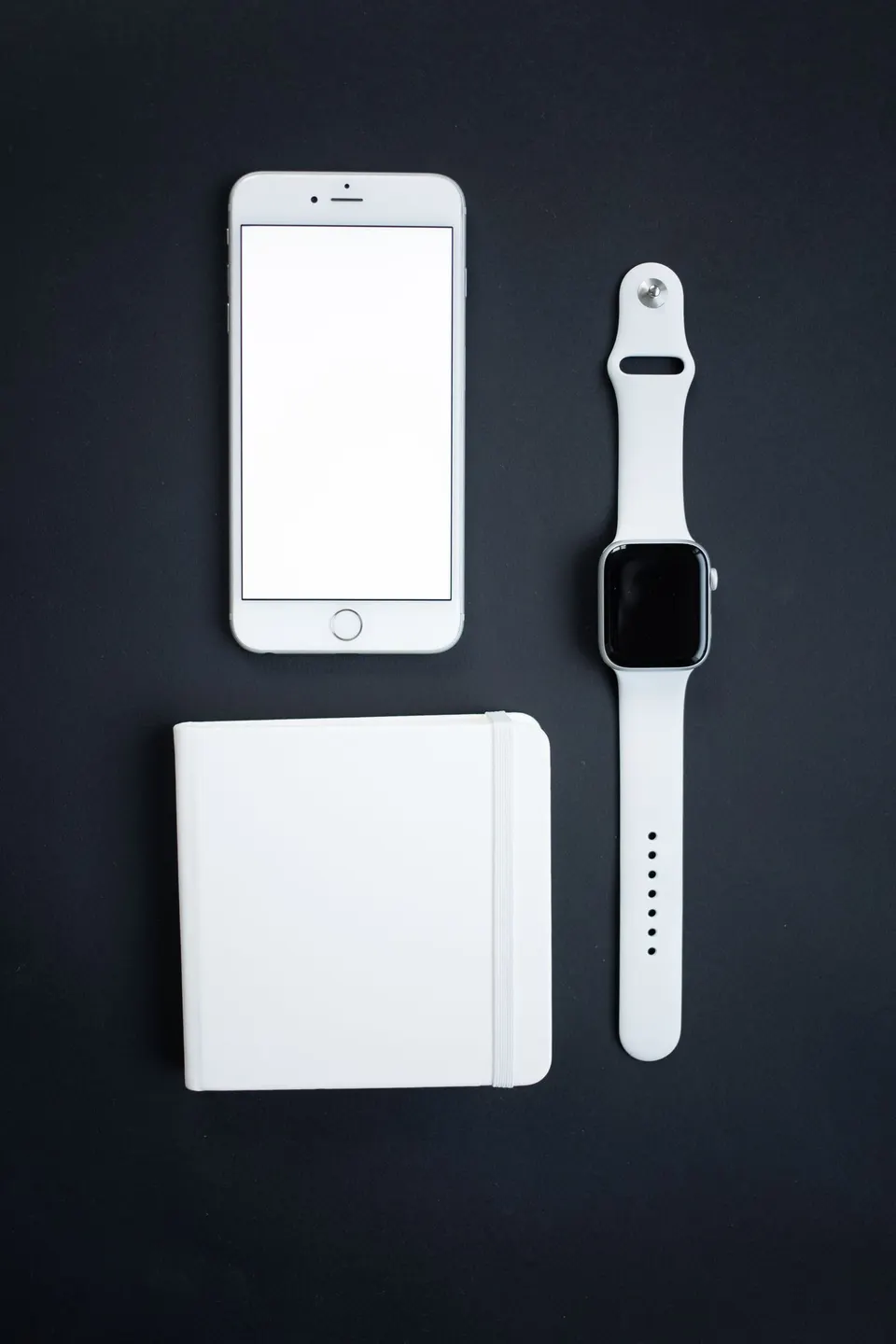
Before choosing a sleep tracker, decide what you want to do with it. Perhaps you want a simple record to look back on, a device that travels easily or an app that lets you download your information. Those priorities are more useful shopping filters than the longest list of measurements.
A good buying decision includes the object you will wear or install, the software you will use and the costs that continue after checkout. Work through the questions below with two or three candidates. You can leave a feature out of your comparison if you do not expect to use it.
Start with the practical format
Think about what you are comfortable keeping on overnight. A watch or wristband adds something around your wrist; a ring occupies a finger. Try the fastening or sizing process before committing, and check how exchanges work. If a manufacturer offers a sizing kit, use the kit intended for that particular model.
An under-mattress sensor is another format to consider if you prefer not to wear a device. Check installation requirements before buying one. For example, Withings says its Sleep Analyzer needs power and placement under the mattress, and one sensor tracks one person. Its compatibility guidance does not recommend waterbeds or airbeds. These details apply to that product, so check the exact model sold in your region. Withings setup and use, mattress compatibility
For each option, picture an ordinary week: where will it charge, what will you pack for a trip and how much setup will you tolerate? Include the charger and any sizing or fitting accessories in your comparison.
Check the app before counting features
Look at the manufacturer’s current phone and operating-system requirements. Confirm that your existing phone is supported and that the features you want are available in your country. A familiar brand name is not enough to establish compatibility.
Find a recent demonstration of the app. Can you read its text comfortably? Are the controls understandable? Can you locate a previous night without repeatedly opening menus? If you use larger text or other accessibility settings, look for evidence that the app works with them.
Write down three functions you actually want, such as a dated history, a downloadable record or an optional reminder. Mark whether each is included with the device, requires a subscription or is unavailable. Avoid counting a feature twice simply because the product page gives it several names.
Make charging part of the decision
Read battery claims alongside their stated conditions. Then look for the instructions for overnight recording. Apple, for example, tells Apple Watch users to enable sleep tracking and charge to at least 30 percent before bed. That is a useful operational detail when deciding how the device would fit into your day. Apple sleep-tracking instructions
Consider the replacement cost of a lost charger and whether it is easy to buy separately. If you usually leave accessories plugged in at hotels, a proprietary charger deserves a place in your travel budget. Ask yourself when you would charge the device without creating another inconvenient daily job.
Price the next two years
Make one total for each candidate: hardware, required accessories, taxes and delivery, plus the subscription you expect to use for 24 months. Keep optional extras on a separate line. Compare monthly and annual plans using their actual billing terms, including whether an annual payment is refundable.
For example, Oura’s U.S. membership page currently lists $5.99 monthly or $69.99 annually, plus applicable taxes. Membership applies to Gen3 and newer rings. Without an active membership, the app offers a limited set of information rather than the full detailed experience. These terms were checked October 16, 2026. Oura membership details
For every subscription, check when a trial ends, whether billing renews automatically and what remains accessible after cancellation. Save a copy of the offer you buy. A discounted device can still be expensive over the period you intend to keep it.
Read the privacy controls
Before opening an account, find the privacy policy and look for clear answers: What information is collected? Is it stored on the device, on your phone or in the company’s online systems? Which other organizations can receive it, and for what purposes?
The U.S. Federal Trade Commission cautions that consumer health apps may not be covered by HIPAA. It recommends comparing privacy protections and reviewing settings that control collection and sharing. A health-related label alone does not answer those questions. FTC guidance on health-app privacy
Treat connections to other apps as separate choices. Start with the permissions needed for the functions you want, and review optional sharing deliberately. Also find the instructions for account deletion before you sign up. Clear, usable controls are part of the product you are buying.
Check your exit route
Can you export your information in a format you can use? Does cancelling a subscription also delete the account, or are those separate steps? Oura, for example, says members can export data through Membership Hub even without an active membership; cancellation alone does not delete saved account data. Oura export and cancellation information
Finally, read the return window, warranty and any published software-support commitment. Choose the option that fits your phone, budget, privacy preferences and willingness to maintain it. If the essential answers remain unclear, keep the candidate off your shortlist until you have them.